

The property is the starting point.
See how the original photo, controlled design and reviewed visualization work together.
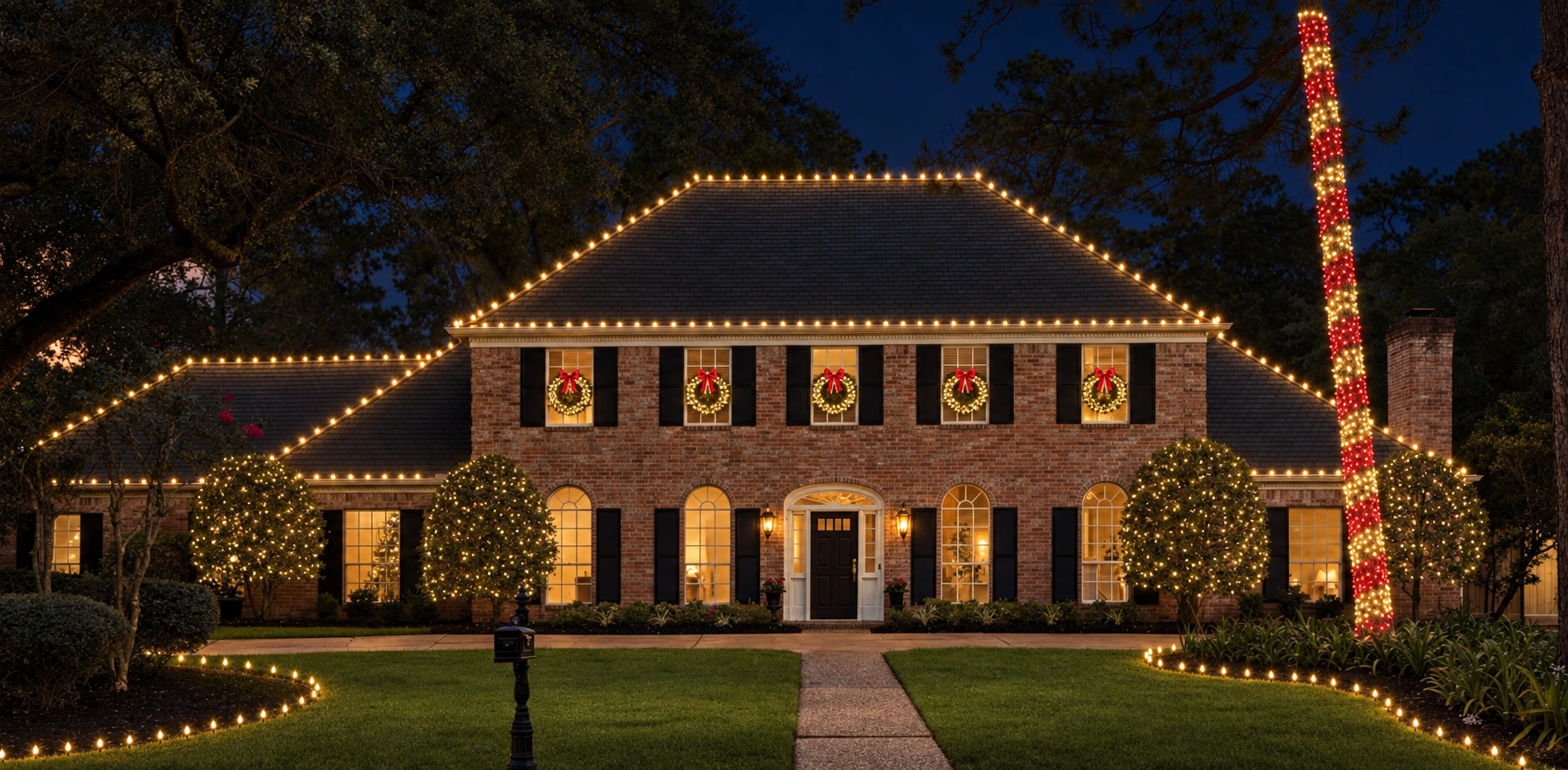
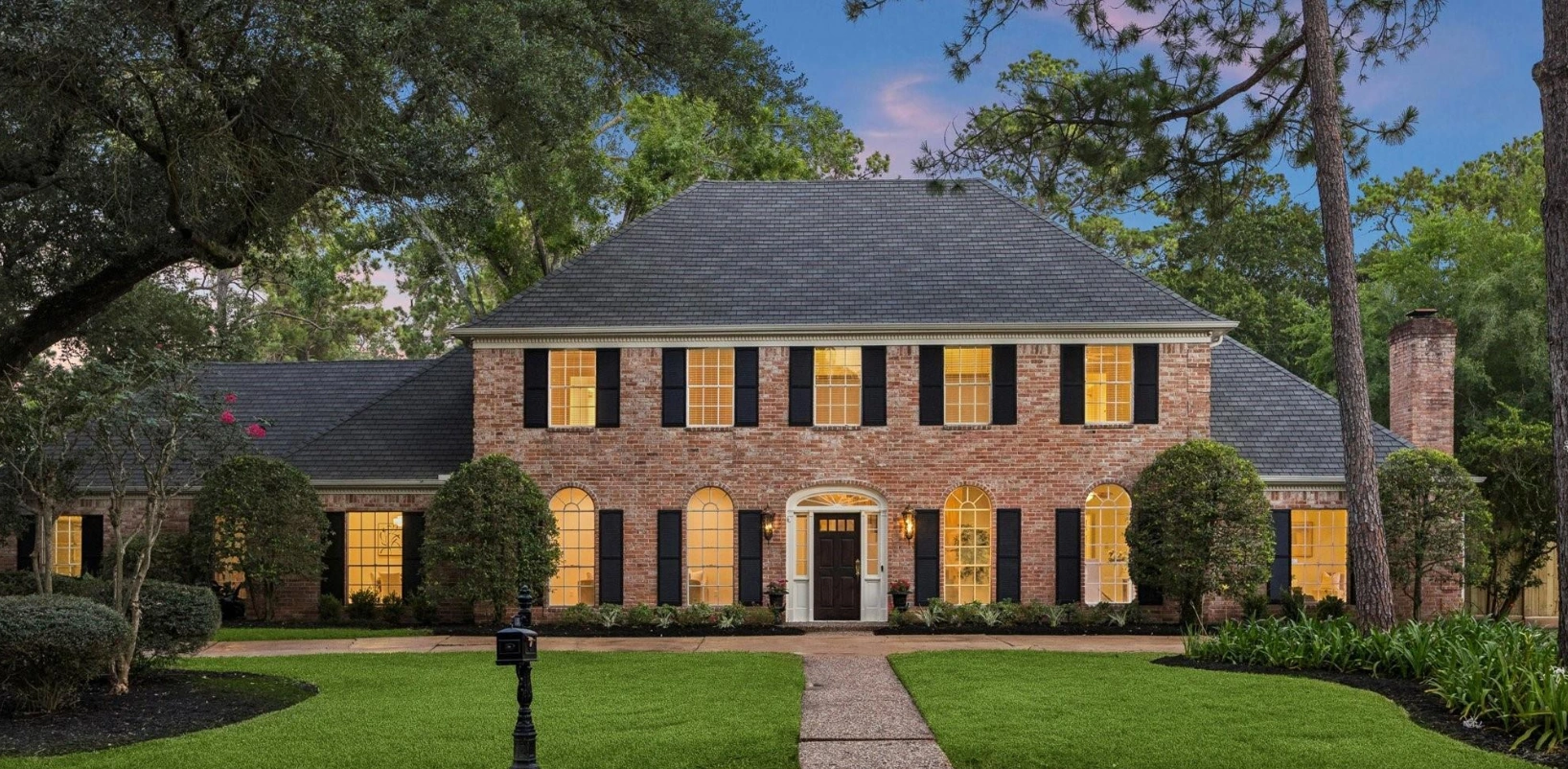
Drag to compare · Use arrow keys when focused
Design StudioPlace. Refine. Save.
Place supported lighting on the property photo. Choose colors and patterns, refine the layout, then save your design for rendering.
Look for the intended design.
Compare product placement, color choices and scope across the original photo, saved layout and render. Realistic output should support an accurate conversation about the job.
Only approved RendrPro project imagery belongs in this showcase. Additional categories will appear when supported examples are available.
Show the vision. Sell the job.
See how RendrPro fits the way your company designs, presents and proposes lighting installations.
Book a Personal WalkthroughPersonal walkthrough. Access by invitation.